Using RFSuite on Ethos
The configuration tool
Press SYS, go to the second page and open Rotorflight. The suite connects to the flight controller over telemetry; once it answers, the menus are enabled.
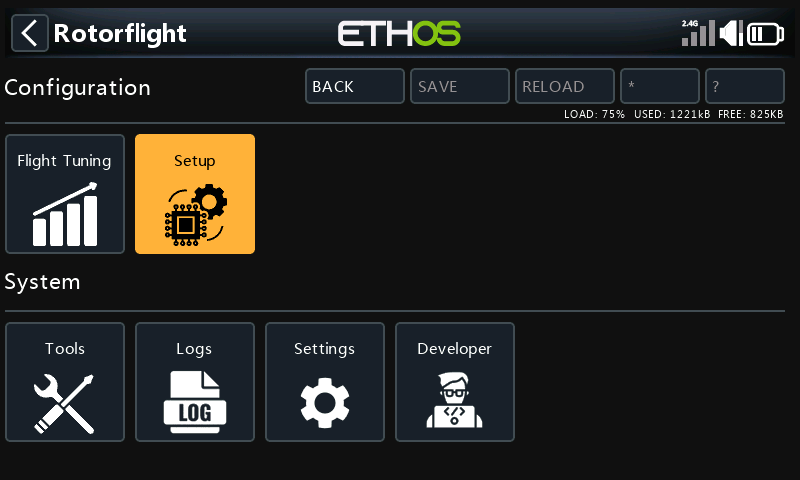
| Menu | Holds |
|---|---|
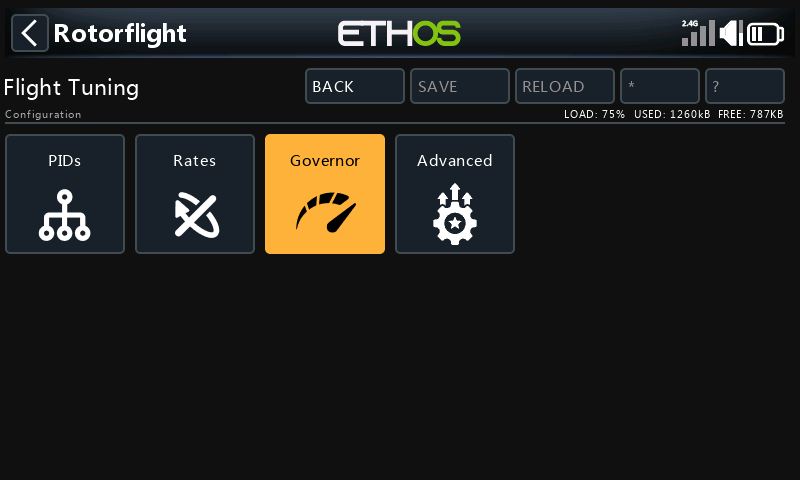
| Flight Tuning | PIDs, Rates, Governor (per profile) and Advanced: filters, PID controller, bandwidth, autolevel, main and tail rotor, rescue, rate tables. The Tune Advisor gives tuning hints from your recent flights. |
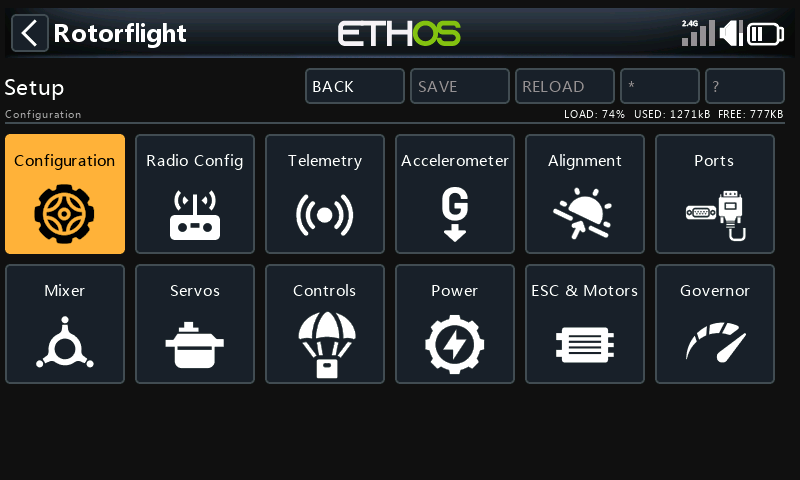
| Setup | Configuration, Radio Config, Telemetry, Accelerometer, Alignment, Ports, Mixer, Servos, Controls (modes, adjustments, failsafe, beepers, Blackbox), Power, ESC & Motors, Governor. |
| Tools | Profile copy and selection; diagnostics -- status, ELRS link, info. |
| Logs | Flight logs recorded by the radio. |
| Settings | Suite settings: dashboard theme, audio announcements, ActiveLook, language. |
Editing and saving
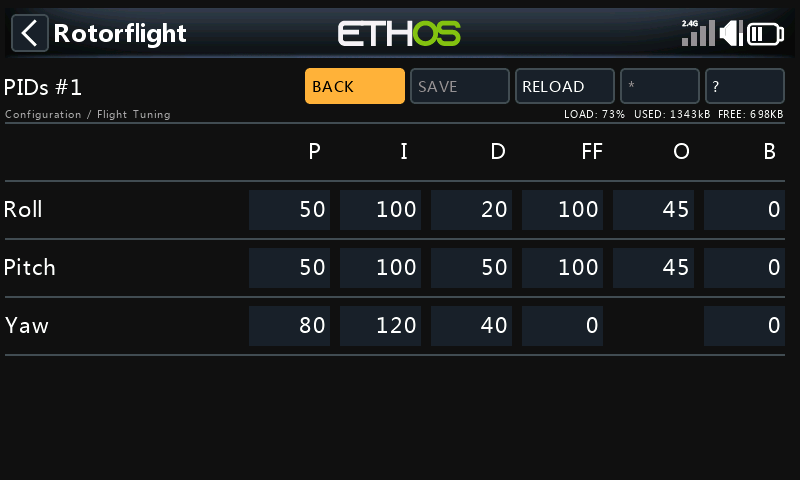
Each page has the same buttons at the top:
| Button | |
|---|---|
| Back | Back to the menu. |
| Save | Writes the page to the flight controller and saves it permanently. Nothing changes until you save. |
| Reload | Reads the page from the flight controller again, discarding your edits. |
| * | Page-specific actions, where a page has them. |
| ? | Help for the page, including tuning tips. |
Pages that depend on the profile -- PIDs, rates, governor -- show the profile number in their title, e.g. PIDs #1, and edit the profile that's currently active.
While the helicopter is armed, pages are read-only: nothing can be written in flight.
ESC programming
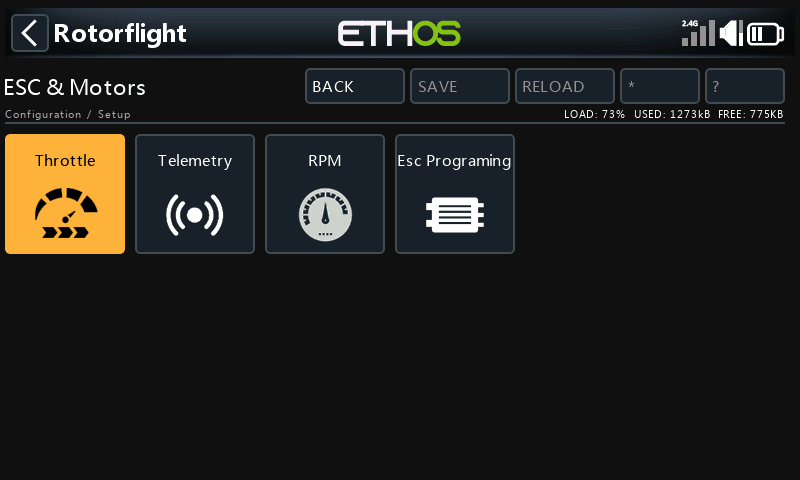
Setup → ESC & Motors → ESC Prog. programs the ESC through the flight controller. The entry for your ESC lights up when the flight controller reports its ESC telemetry protocol. See ESC Forward Programming.
The dashboard
Add the Rotorflight Dashboard widget to a full-screen page: press DISP, add a screen with the full-screen layout, and choose the widget.
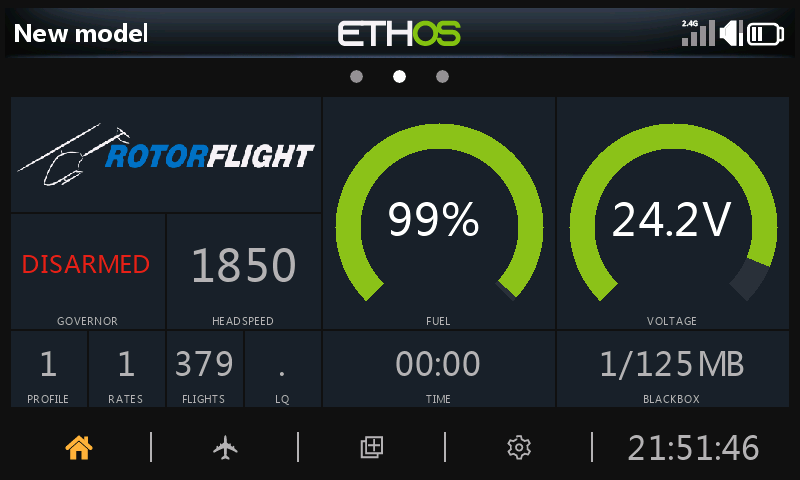
It shows the arming and governor state, headspeed, fuel and voltage, profiles, flight count, timer and Blackbox use, with separate layouts for before, during and after the flight. Themes are chosen under Settings → Dashboard.
- Slide up (or long-press PAGE) for the toolbar: reset the flight, erase the Blackbox, choose the battery profile, open the info panel, or open the configuration tool.
- Slide down for the info panel: link quality, firmware, flight controller status and more.
- A status banner appears for conditions such as failsafe, governor fallback, an override left on, or a reboot needed.
Battery selection
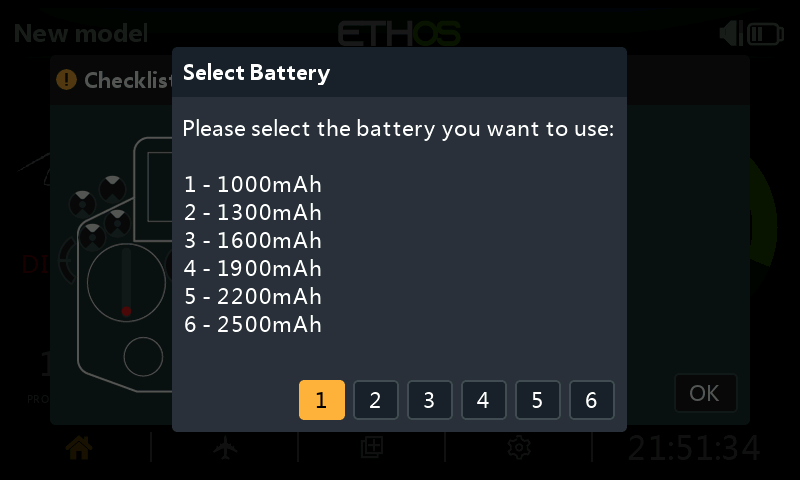
With more than one battery profile set up, the suite asks which pack you've plugged in when the helicopter connects:
Voice announcements
Under Settings → Audio, choose what's announced: arming and disarming, governor state, profile and rate changes, adjustments, battery and fuel levels, and timers -- and which switches trigger on-demand callouts.
Reference
Every page and setting is documented in the RFSuite page reference.