CLI
The Command Line Interface gives direct access to every setting in the flight controller, including ones the other tabs don't show.
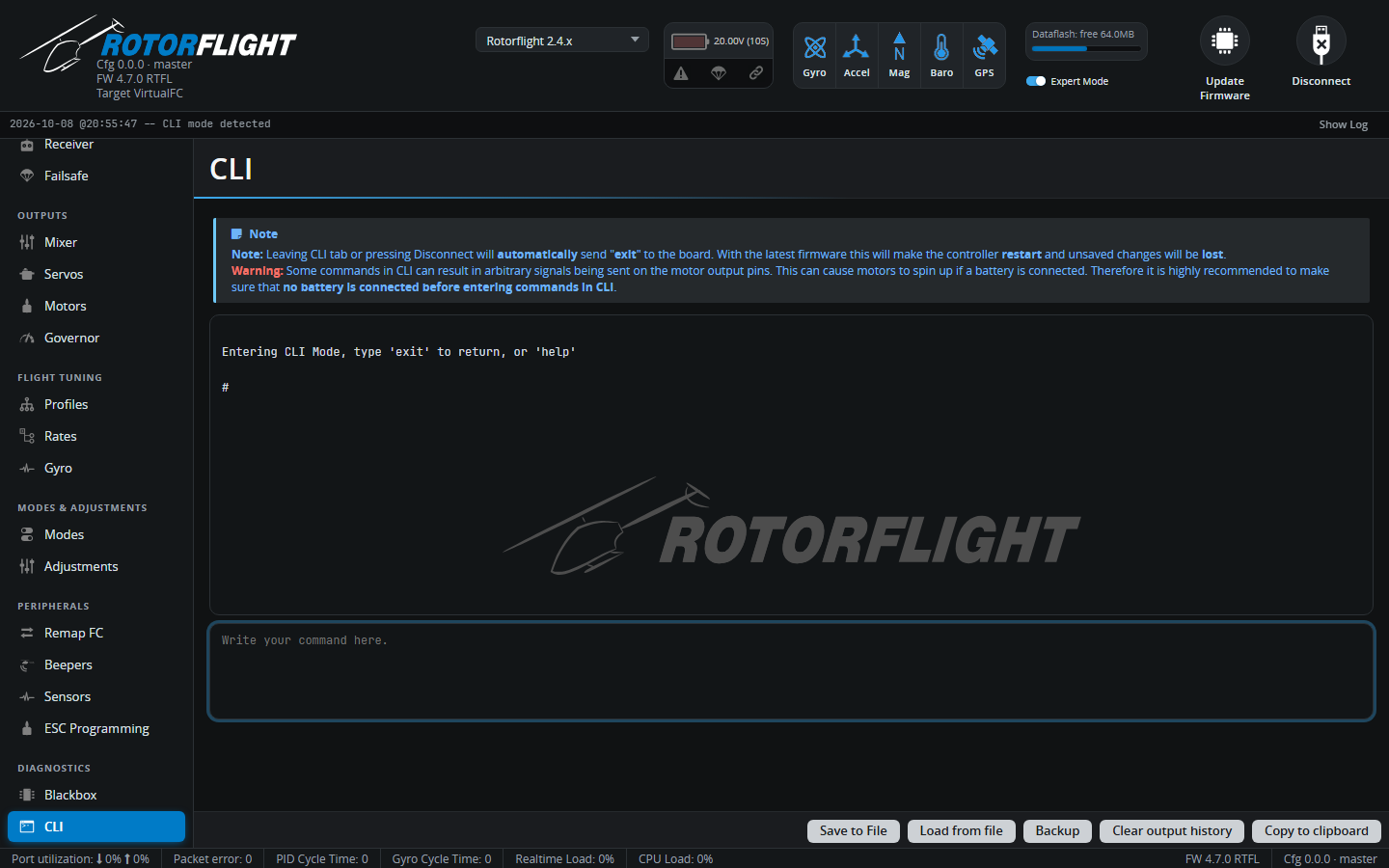
Type a command in the box at the bottom and press Enter. Commands you'll use most:
| Command | |
|---|---|
diff all |
Show everything that differs from the defaults -- the best backup. |
get <text> |
Show settings whose names contain the text, e.g. get gov_. |
set <name> = <value> |
Change a setting. |
save |
Save changes and reboot. Nothing is kept until you save. |
exit |
Leave the CLI without saving (the flight controller reboots). |
status |
System status, including the arming disable flags. |
help |
List all commands. |
The full list is in the CLI Command Reference.
Buttons
| Button | |
|---|---|
| Save to File | Saves the output window to a text file. |
| Load from file | Loads a file of commands, shows them for review, then runs them on Execute. Used to restore a backup. |
| Backup | Runs diff all or dump all and saves the result to a file in one step. |
| Clear output history | Clears the window. |
| Copy to clipboard | Copies the output. |
Warning
Leaving the CLI tab, or disconnecting, sends exit: the flight
controller reboots and unsaved changes are lost. Some commands can make
the motor outputs move, so don't have a battery connected while you
work in the CLI.