Presets
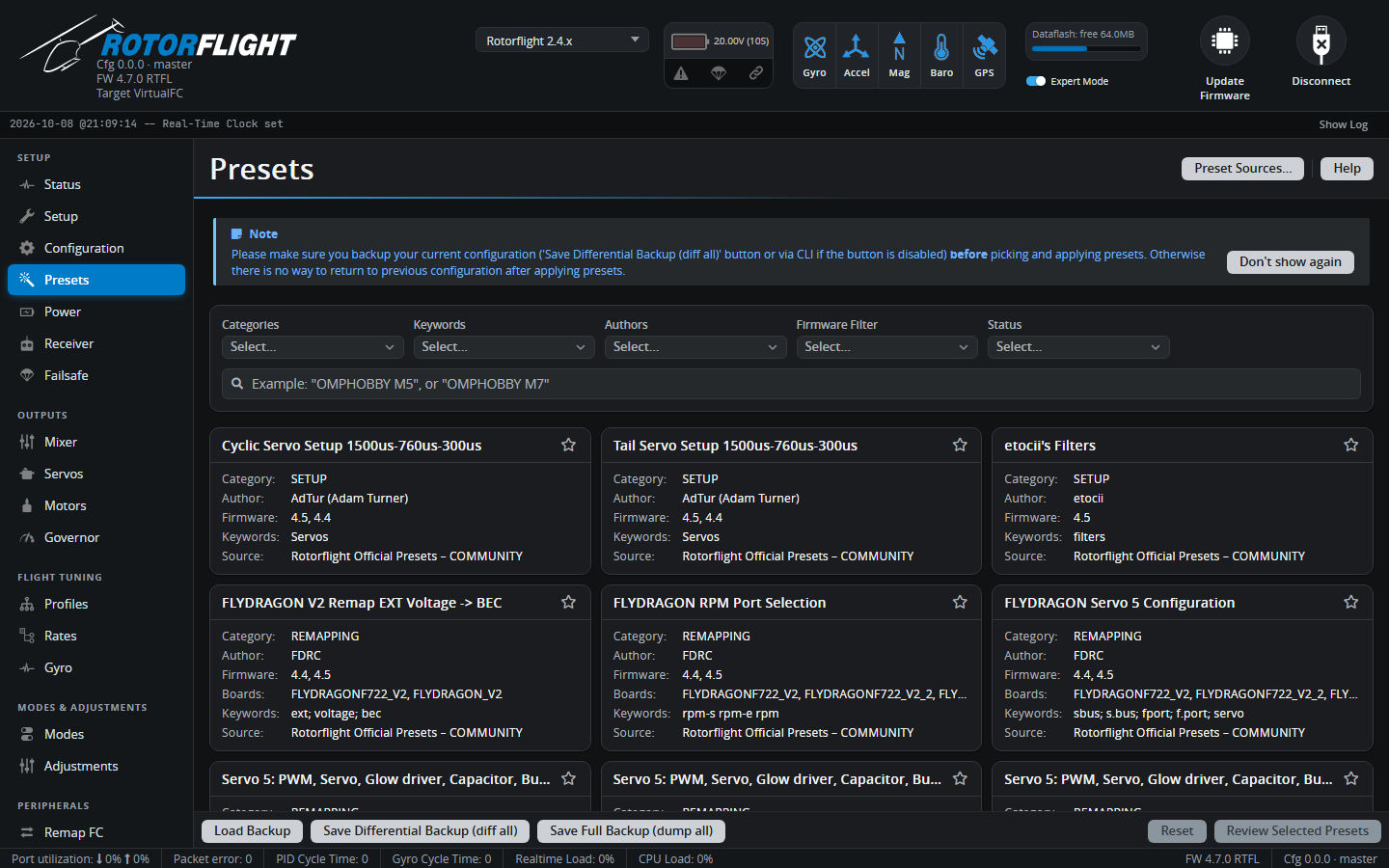
Presets are ready-made snippets of configuration, shared by manufacturers and pilots: board remapping, ESC telemetry setups, servo settings, filter setups and complete tunes for particular helicopters. Applying one runs its CLI commands on your flight controller.
Back up first
A preset changes your configuration, and there's no undo. Click Save Differential Backup (diff all) at the bottom of the tab before you apply anything. Load Backup puts it back.
Finding a preset
Filter by Categories (Setup, Remapping, Tuning ...), Keywords,
Authors, Firmware version and Status, or type in the search box
-- a helicopter or board name usually works best, for example
OMPHOBBY M7 or NEXUS. Only presets that match your firmware version and
board are useful; the card lists both.
Each card shows the category, author, firmware versions, boards and source. The source's status tells you how much to trust it:
| Status | |
|---|---|
| OFFICIAL | From the Rotorflight team or a manufacturer. |
| COMMUNITY | Shared by pilots and reviewed before being added. |
| EXPERIMENTAL | Untested or work in progress. |
Applying presets
- Click a card. Read the description, pick from its Options if it has any, and use Show CLI to see exactly what it will change.
- Click Select. You can select several presets; they are applied in order.
- Click Review Selected Presets, check the list, then Review CLI.
- Click Execute, then Save and Reboot when it's done.
If any command fails, you get a warning that the configuration was applied with CLI errors -- check the output before saving.
Preset sources
Presets are loaded from the rotorflight-presets repository. Preset Sources... lets you add other repositories, for example a club's or your own.
Danger
A preset can change anything, including motor outputs. Only add sources you trust.
To share a preset with everyone, open a pull request on rotorflight-presets.