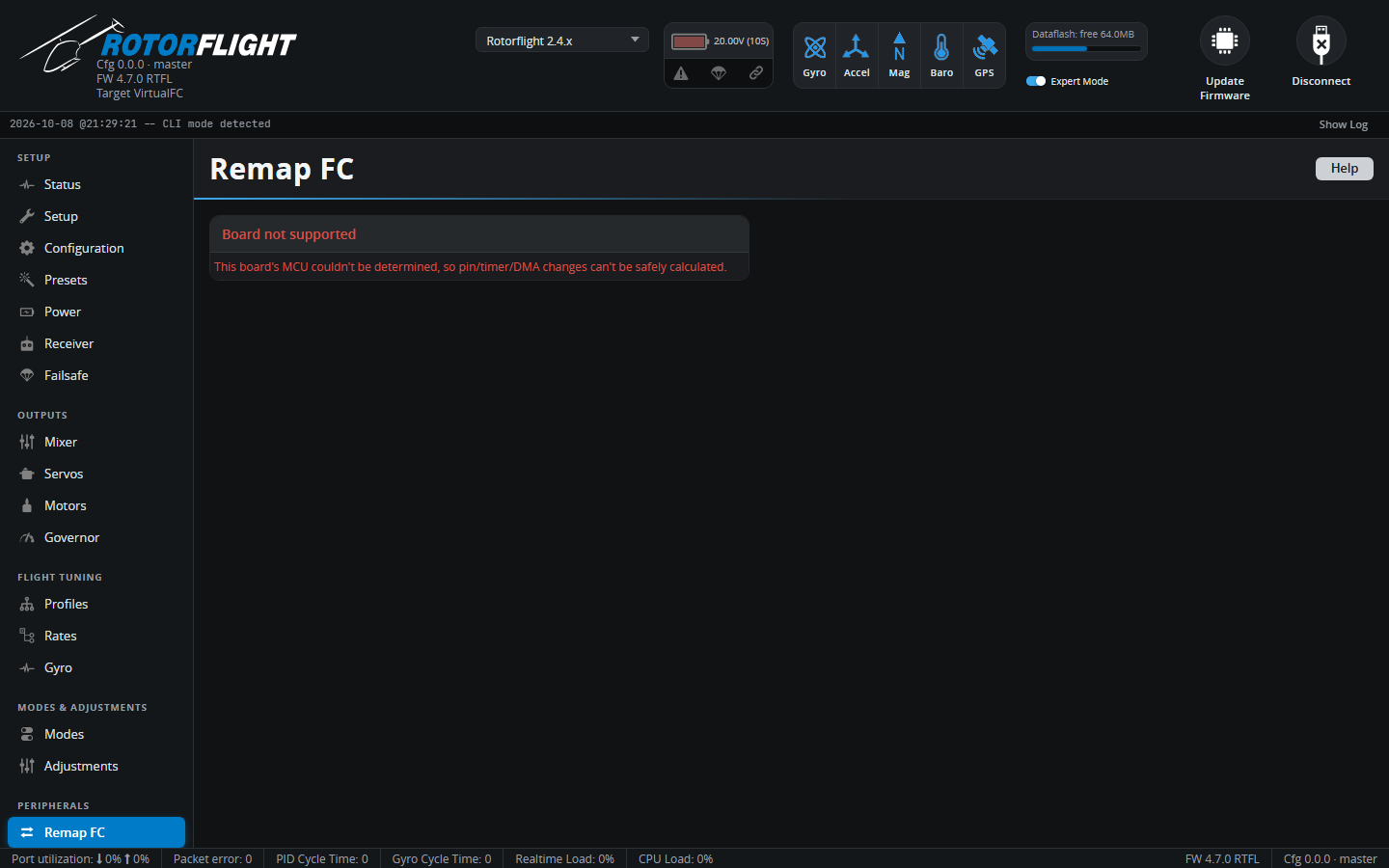
Remap FC
New in 2.4
Remap FC changes which pin on the flight controller does which job --
without a soldering iron or CLI resource commands. Swap a tail servo
output for a motorised tail ESC, add an output for a buffer pack or glow
driver, or move a function to a free pin.
Back up first
Remapping rewrites the board's pin, timer and DMA assignments. Take a backup before you start.
Using it
- Click Read FC. The Configurator reads the board's current pin assignments and works out what each pin can do.
-
Click a pin to see its options. Each pin card says what it does now and what it's commonly used for:
Output Usual purpose M1 Main ESC, or the throttle servo for nitro and turbine. M2 Tail motor ESC, for a motorised tail. S1 / S2 / S3 Cyclic servos. S4 Tail servo, for a mechanical tail. FREQ1 Main RPM sensor input, for the governor and RPM filter. LED LED strip. TLM, SBUS Serial ports -- usually ESC telemetry and SBUS receiver. -
Pick the new function for the pin. Picking a function that's already elsewhere moves it here; picking the pin's own default puts it back. Other Pins lists pins that aren't on the board's labelled connectors.
- The Configurator calculates timers and DMA for the new layout. If a combination can't work, it explains why and offers suggestions -- for example swapping two functions' pins. Accept Suggestion applies one.
- Check Pending Changes, then send them to the flight controller.
Rules it enforces
- No gaps in motor and servo numbering. The flight controller stops at the first unassigned output, so with S1, S2 and S4 but no S3, S4 would be silently dropped. Close the gap first.
- Servos sharing a timer share a rate. The Servo frequency groups section shows which servos must be changed together, to the same update rate.
- Hard-wired pins can't be moved.
The remapper needs to know the board's processor. If it can't (an
unsupported MCU), it won't make changes -- use the CLI resource commands
instead, as described in Remapping Outputs.