Beepers
Choose when the buzzer sounds -- and, with DShot ESCs, when the motor beeps.
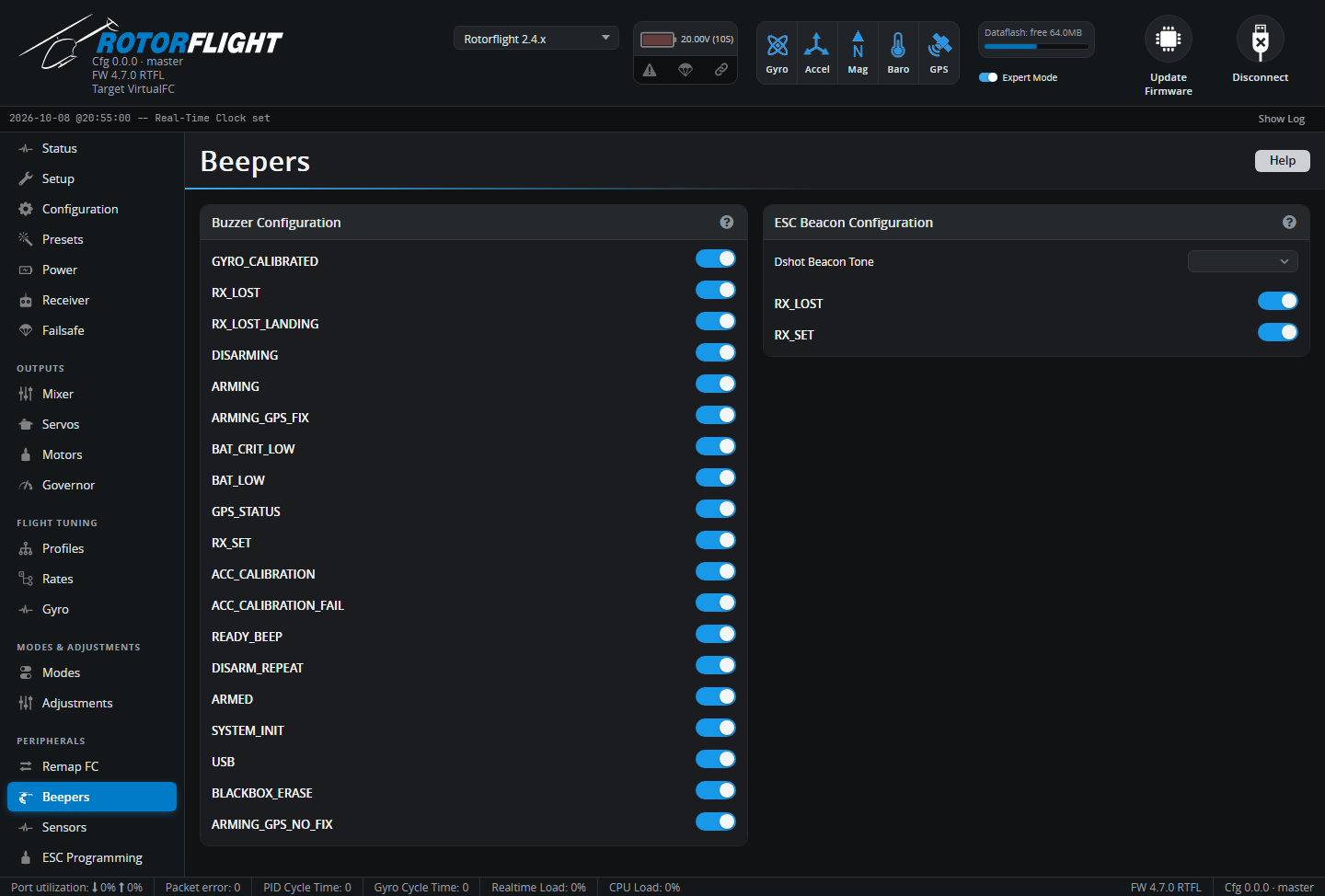
Buzzer Configuration
Tick the events that should sound the buzzer. The most useful ones on a helicopter:
| Event | Sounds when |
|---|---|
| GYRO_CALIBRATED | Gyro calibration finished after power-up -- the helicopter is ready. |
| RX_LOST / RX_LOST_LANDING | The radio link is lost (failsafe). |
| ARMING / DISARMING / ARMED | Arming state changes, or while armed. |
| BAT_LOW / BAT_CRIT_LOW | Battery warning and critical levels (see Power). |
| RX_SET | The BEEPER mode switch is on -- for finding a helicopter after a crash. |
| ACC_CALIBRATION / ACC_CALIBRATION_FAIL | Accelerometer calibration. |
| READY_BEEP | Ready to arm. |
| BLACKBOX_ERASE | Blackbox flash erase finished. |
| ON_USB | Powered from USB -- usually untick this so the buzzer is quiet on the bench. |
GPS and camera events are for those devices.
ESC Beacon Configuration
With DShot ESCs, the motor itself can beep (Dshot Beacon). Choose the Dshot Beacon Tone and the events that trigger it -- typically RX_LOST and RX_SET, to find a downed helicopter.
Warning
The beacon drives current through the motor, which can make it warm. It can't sound while the motor is running, and arming is delayed by two seconds after the last beacon tone.
See Buzzer for the beep patterns.