Dashboard Themes
The RFSuite dashboard widget comes with several themes. A theme decides what the dashboard shows and how it looks. Each theme has three layouts: preflight before you arm, inflight while you fly, and postflight after you land. The dashboard switches between them by itself.
Choosing a theme
Open Settings → Dashboard → Themes in RFSuite.
- Pick one theme for all three phases, or turn off Use same theme and pick a different one for each phase.
- With the heli connected, you can also set a theme for that model only. It replaces the global choice for that model.
- Themes with Own settings in the table have options of their own, such as gauge ranges, under Settings → Dashboard → Settings.
| Theme | Own settings | Screen |
|---|---|---|
| Default | Yes | Any |
| AERC | Yes | Any |
| AERC Nitro | Yes | Any |
| Basic Timer | Any | |
| Bastion | Yes | 784 × 294 or larger |
| Claude | Yes | Any |
| DanielRC | Any | |
| Gismo | Yes | Any |
| HeliHUD | Any | |
| Kevd | Yes | 784 × 294 or larger |
| KSE4 | Any | |
| KSE5 | Yes | Any |
| RF Status | Yes | Any |
| RT-RC | Yes | Any |
| RT-RC Nitro | Yes | Any |
| SRB-RC | Yes | Any |
Default
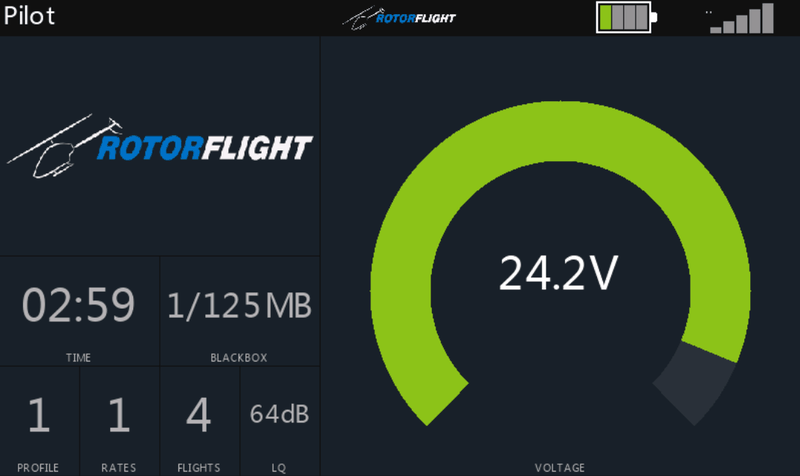
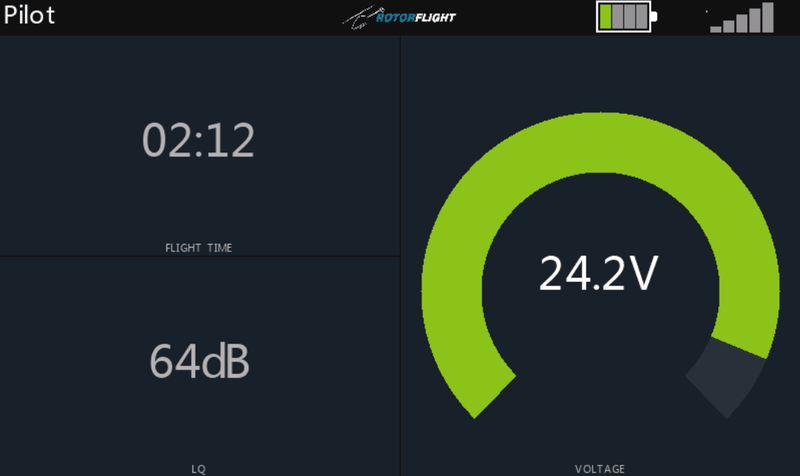
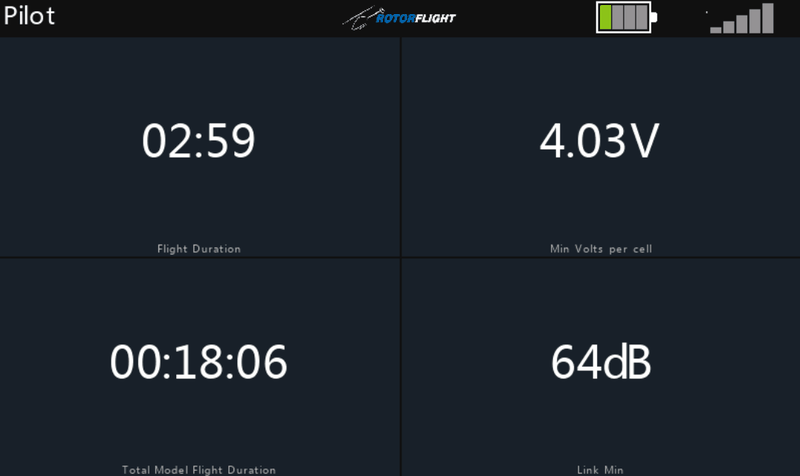
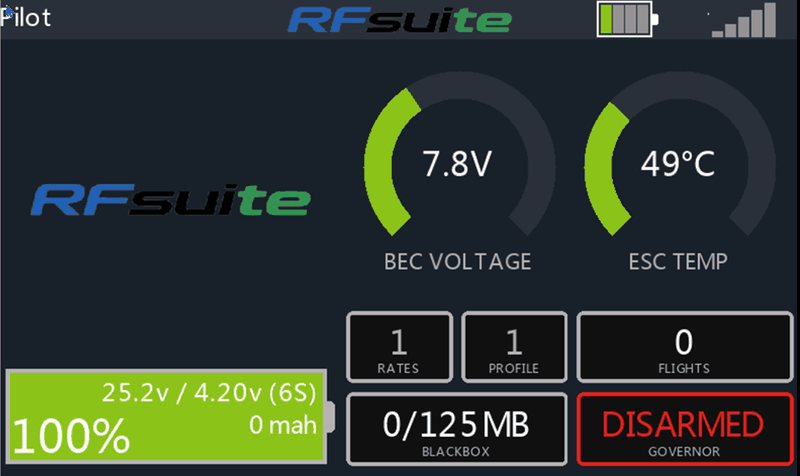
A large voltage arc beside the flight time and link quality. Before the flight it also shows the model image, profiles, flight count and Blackbox use.
AERC
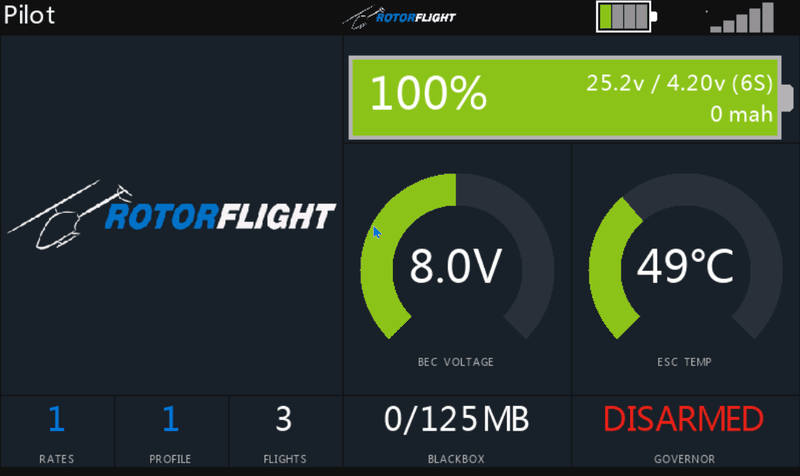
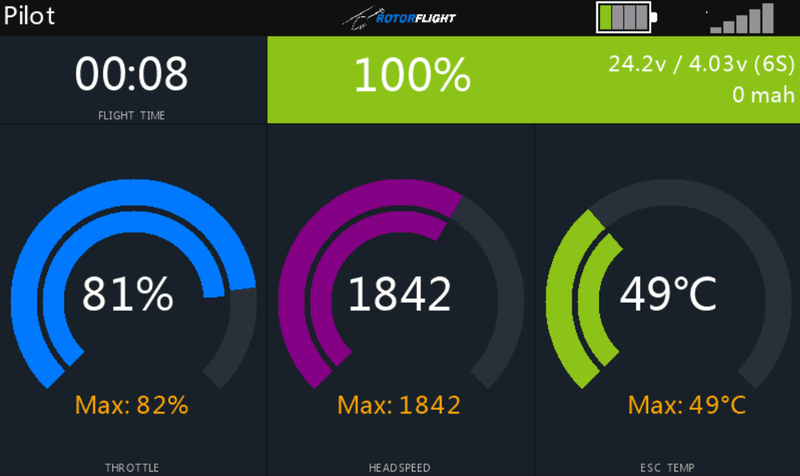
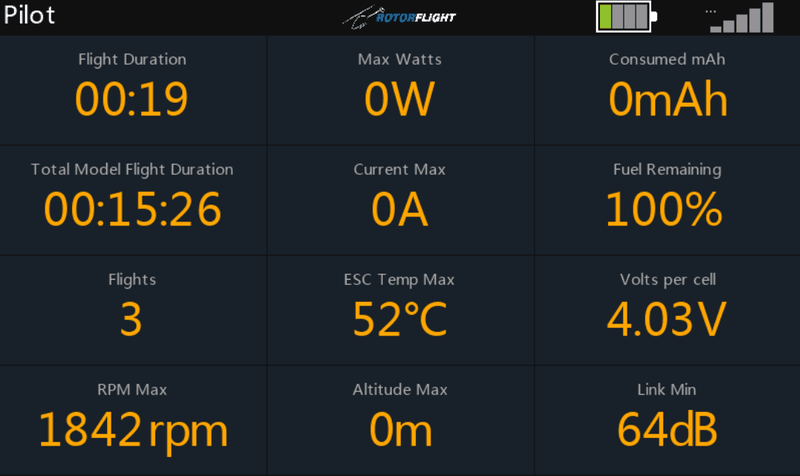
Arcs for throttle, headspeed and ESC temperature, each with its maximum, under the flight time and a fuel bar with pack voltage and mAh used.
AERC Nitro
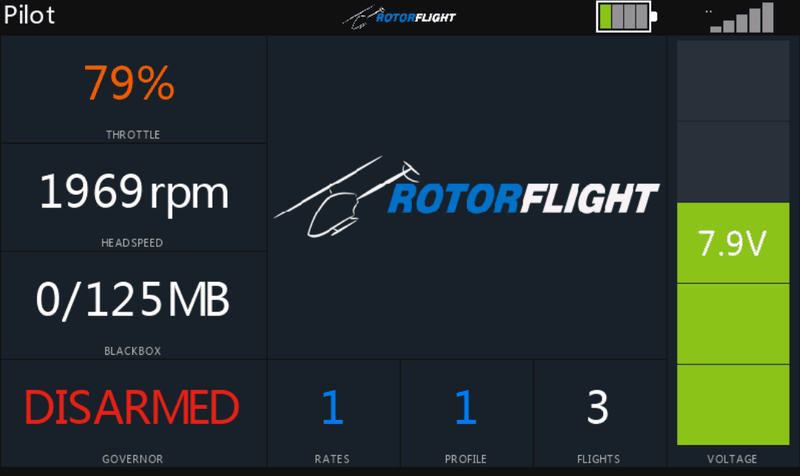
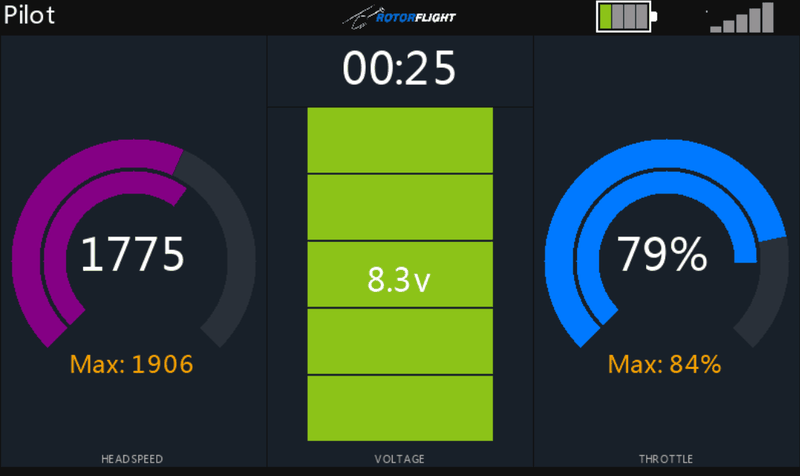
For nitro helis: headspeed and throttle arcs either side of a segmented BEC voltage bar, with the flight time on top.
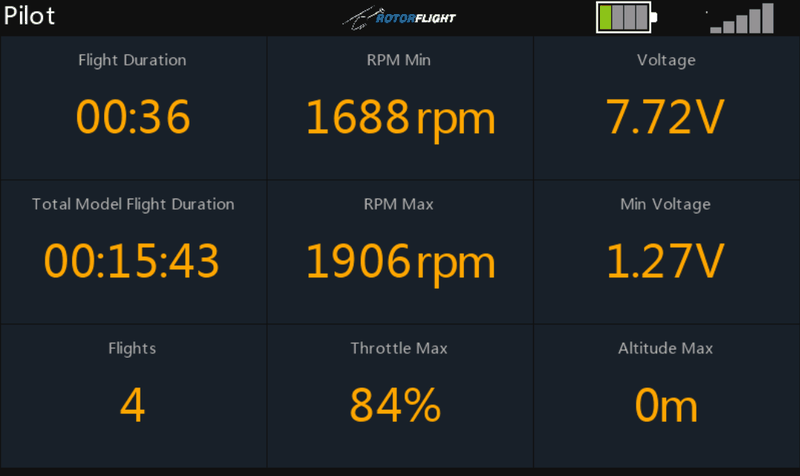
Basic Timer
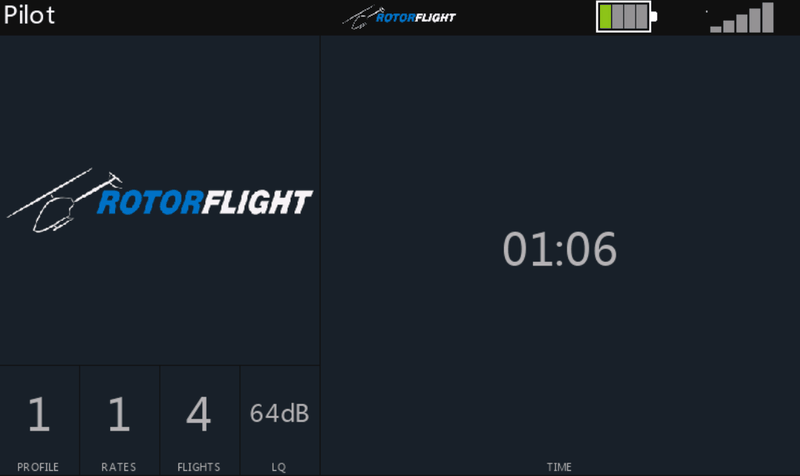
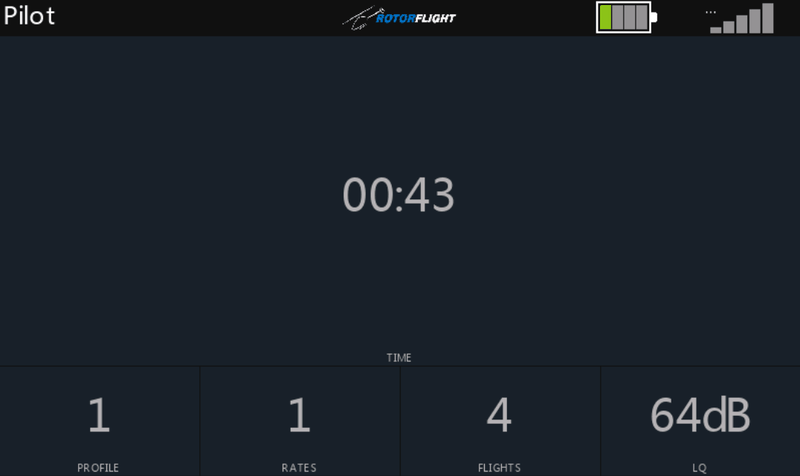
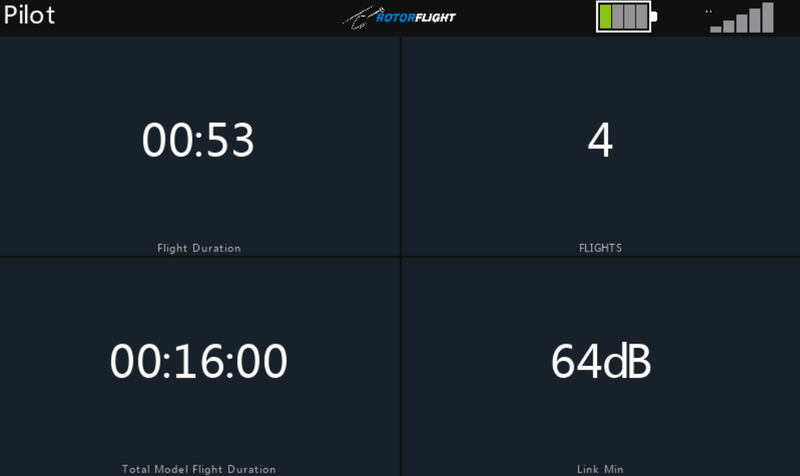
A large flight timer, with the profiles, flight count and link quality below it.
Bastion
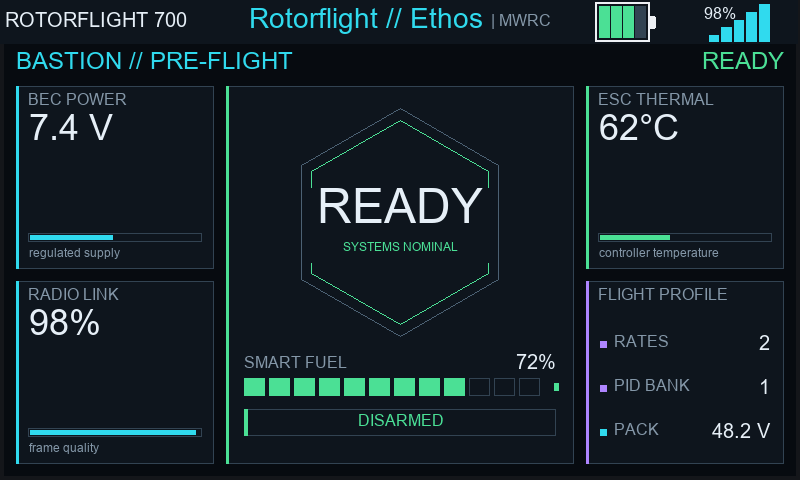
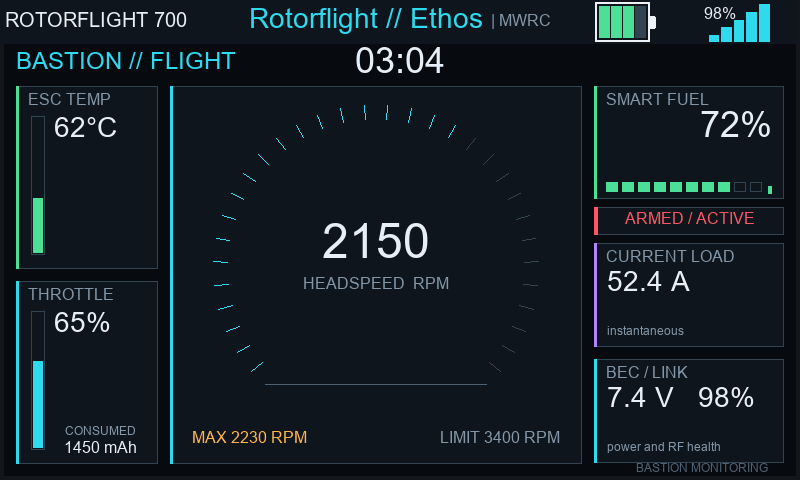
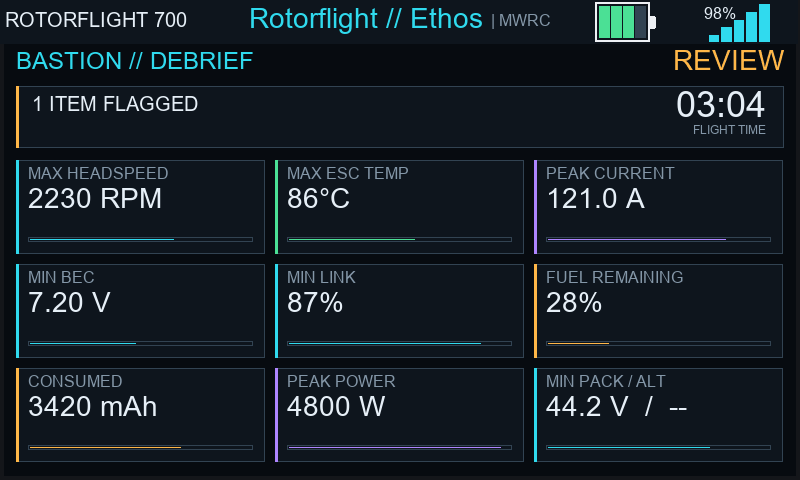
A dense instrument panel: a central headspeed dial with ESC temperature, throttle, fuel, current, BEC voltage and link around it. After the flight it flags anything that went out of range.
Needs a dashboard area of at least 784 × 294 pixels, so it is hidden on smaller radios such as the X18.
Claude
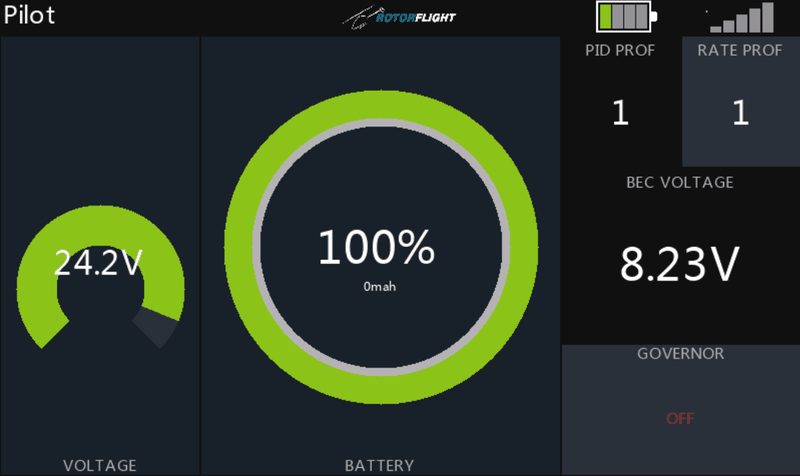
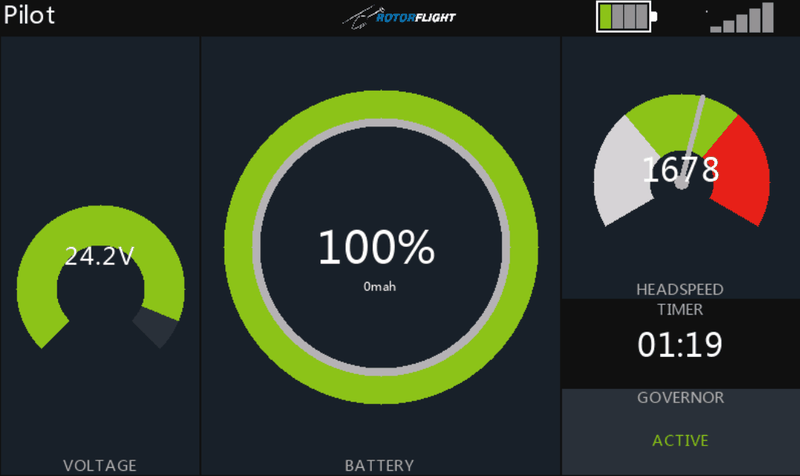
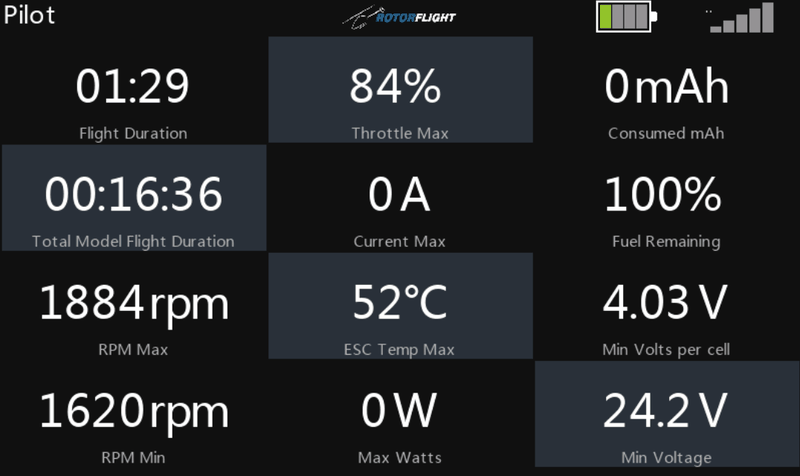
A voltage arc, a large fuel ring and a headspeed dial, with the timer and governor state.
DanielRC
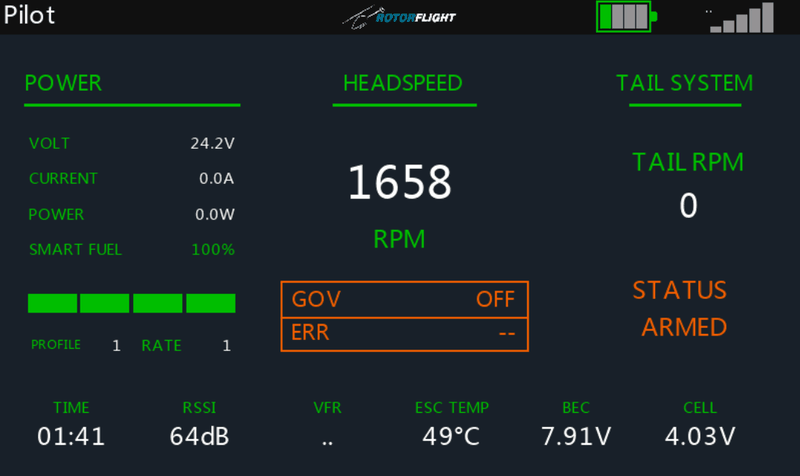
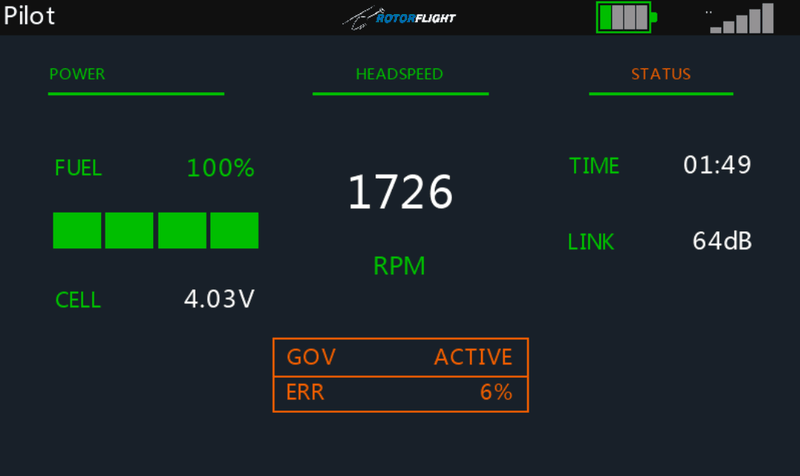
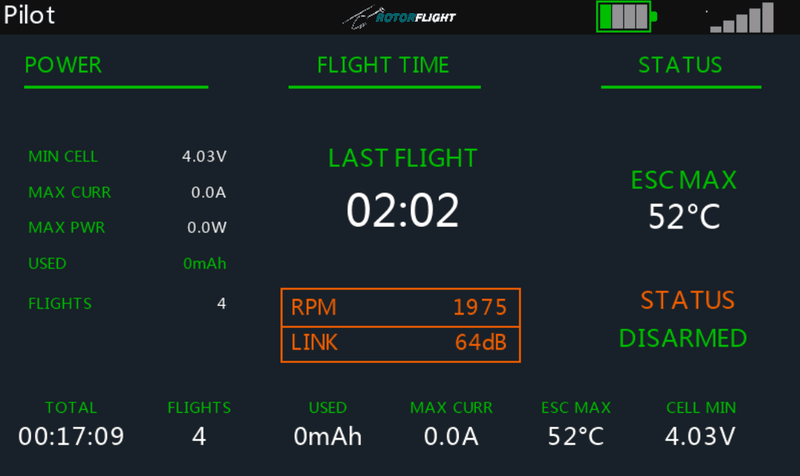
A text panel in three groups (power, headspeed and status) with the governor state and flight time.
Gismo
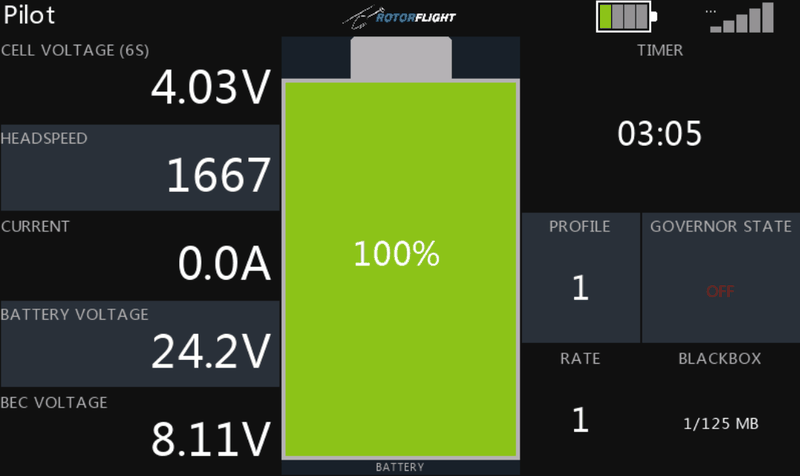
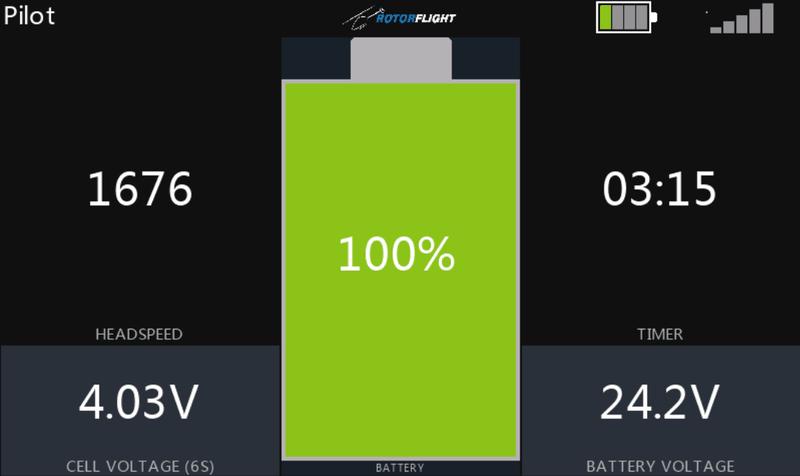
A large battery graphic between headspeed and timer on one side, and cell and pack voltage on the other.
HeliHUD
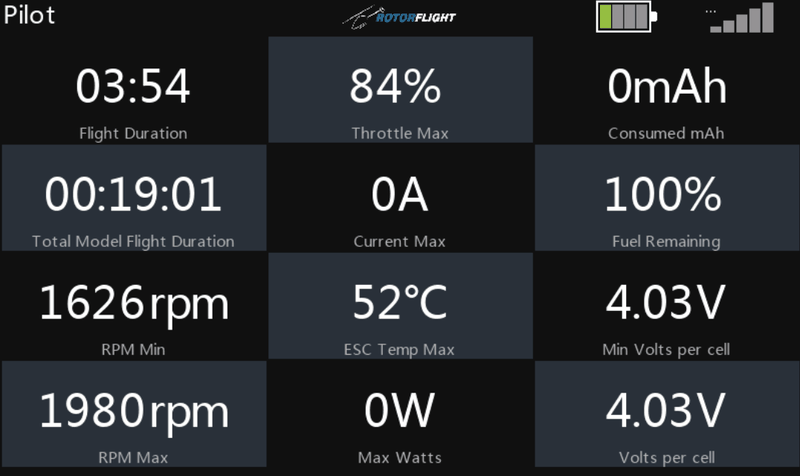
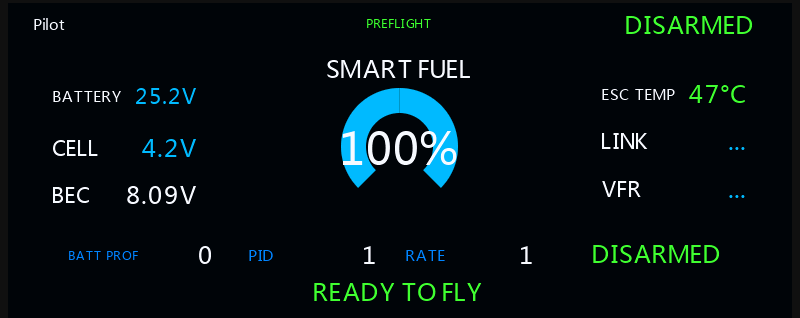
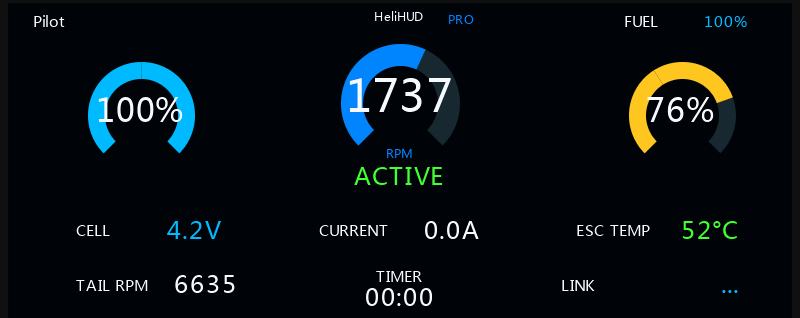
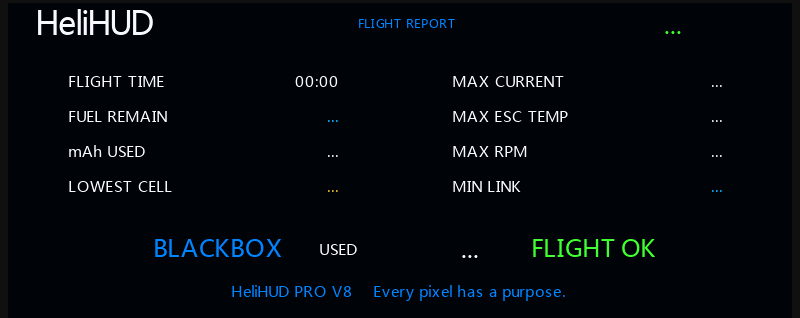
A head-up display: a headspeed dial between two gauges, with cell voltage, current, ESC temperature, tail RPM, timer and link below. After the flight it shows a flight report.
Kevd
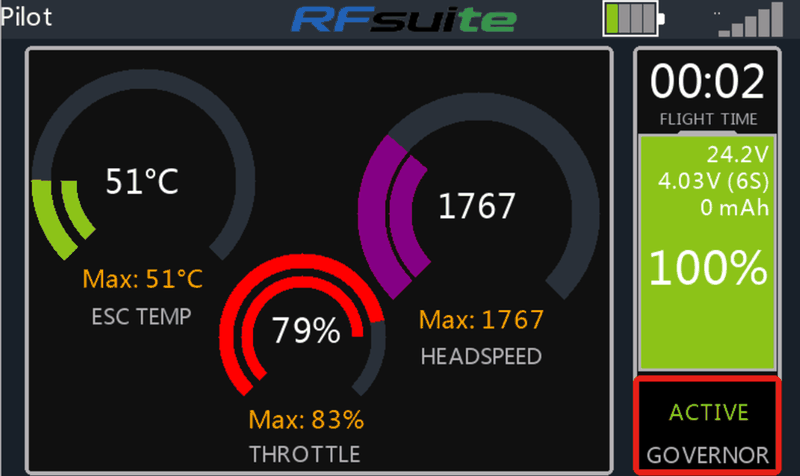
Arcs for ESC temperature, headspeed and throttle with their maximums, beside a column with the timer, fuel and governor state.
Needs a dashboard area of at least 784 × 294 pixels, so it is hidden on smaller radios such as the X18.
KSE4
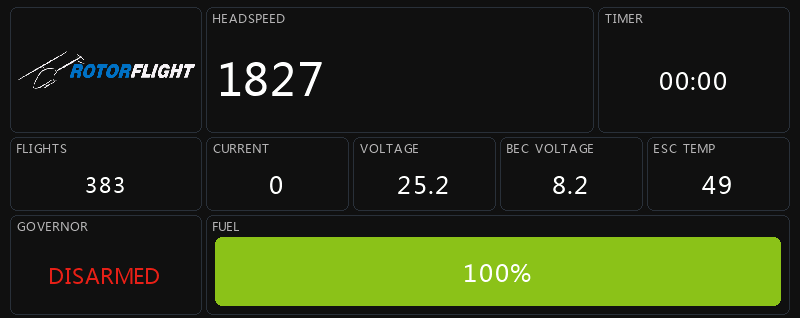
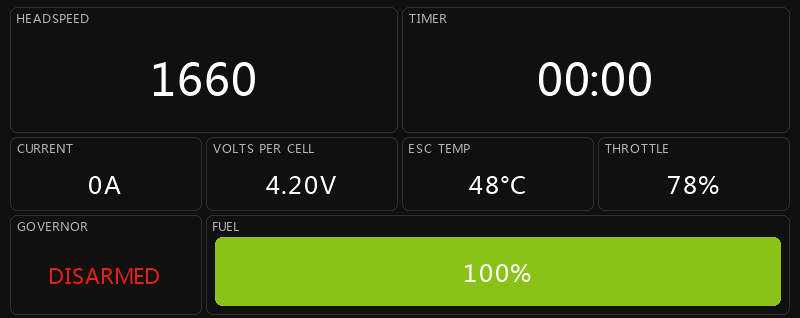
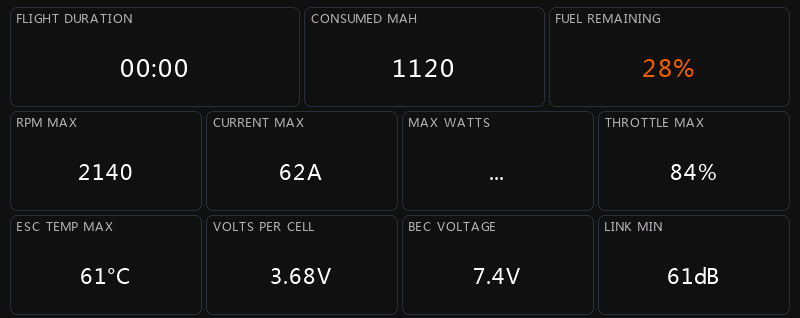
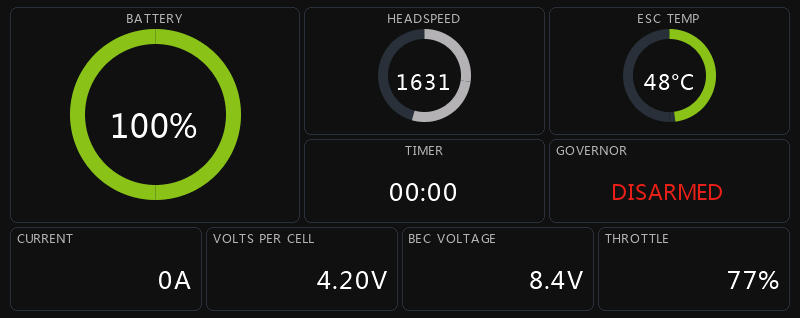
A tile dashboard after Kyle Stacy's KSE4: a large headspeed tile beside the timer, a strip of current, voltage, ESC temperature and throttle, and a full-width fuel bar. It takes its colours from the radio's Ethos theme.
KSE5
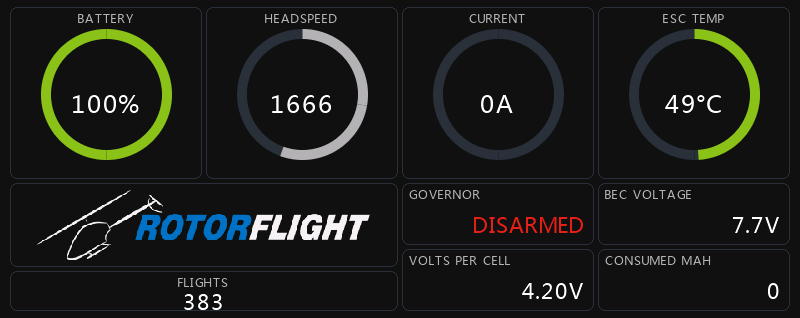
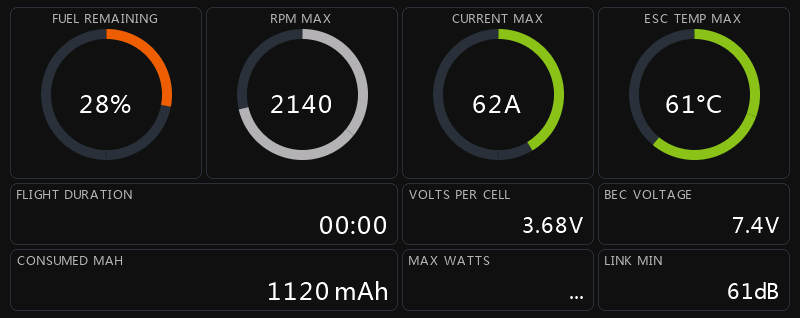
A ring dashboard after Kyle Stacy's KSE5: rings for fuel, headspeed, current and ESC temperature, with the governor, voltages and mAh used in tiles below. Its settings set the full scale of each ring. It takes its colours from the radio's Ethos theme.
RF Status
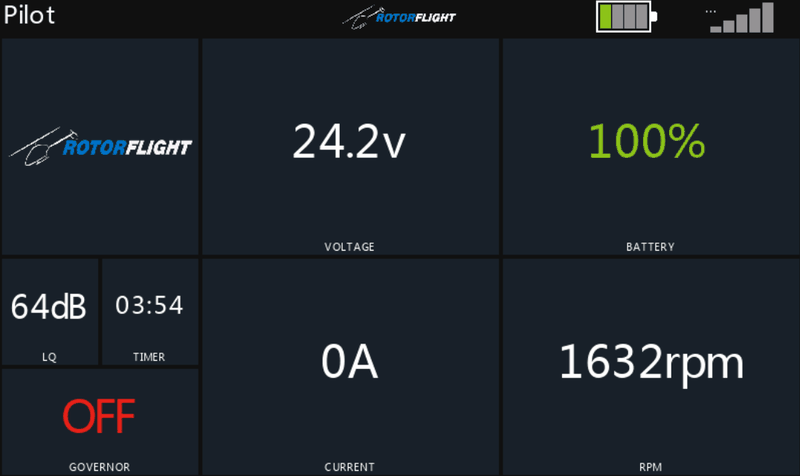
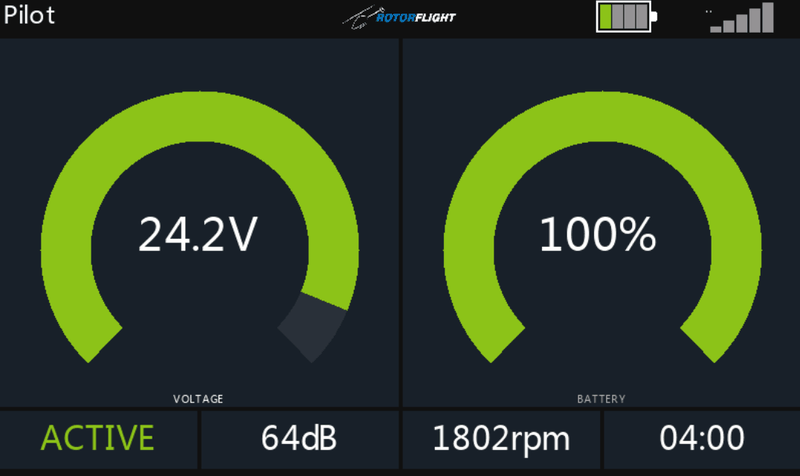
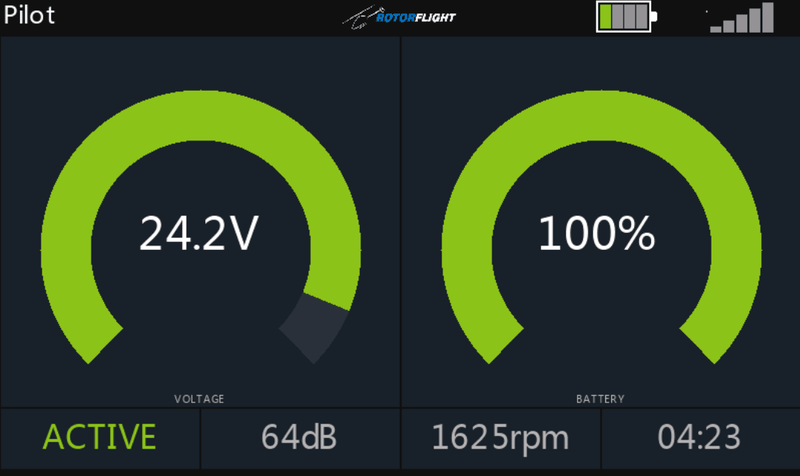
Voltage and fuel arcs above the governor state, link quality, headspeed and timer.
RT-RC
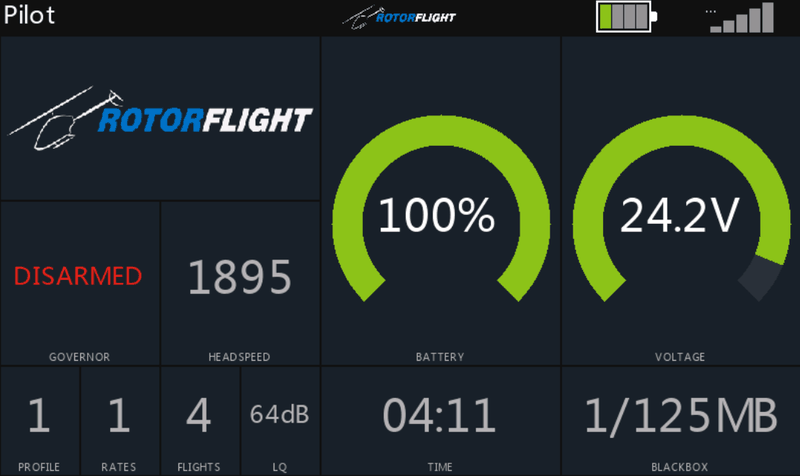
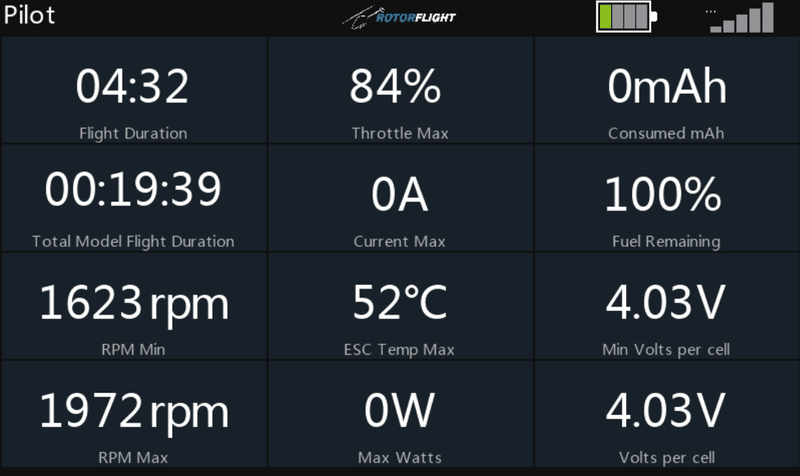
Pack voltage and fuel arcs above the governor state, link quality, headspeed and timer. Before the flight it adds the model image, profiles, flight count and Blackbox use.
RT-RC Nitro
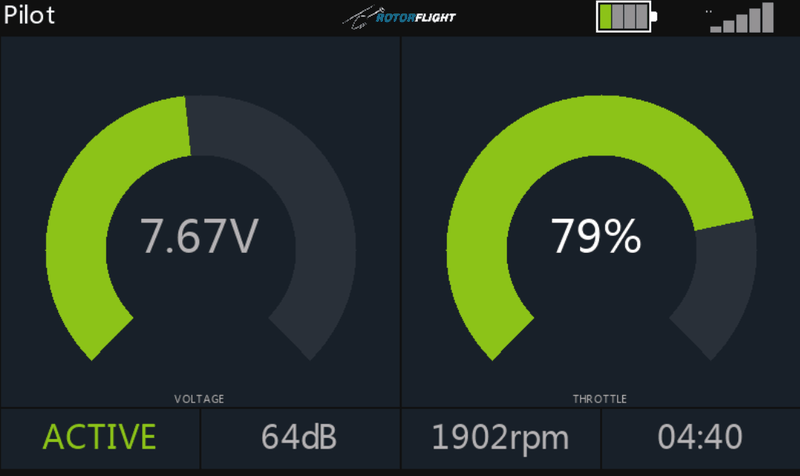
RT-RC for nitro helis: BEC voltage and throttle arcs in place of pack voltage and fuel.
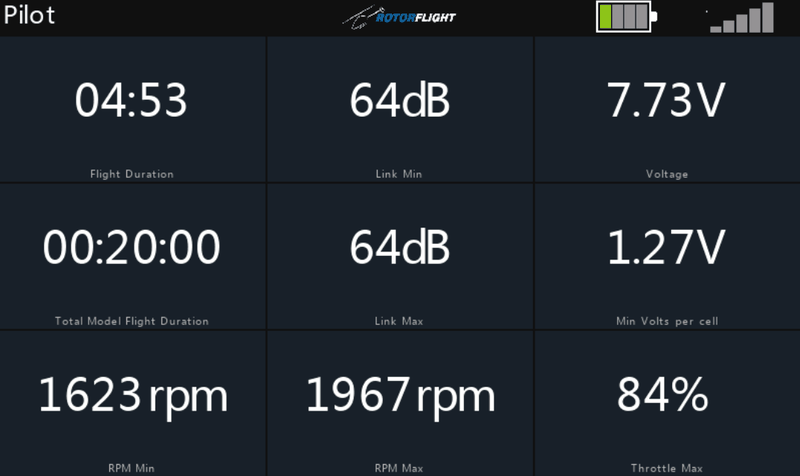
SRB-RC
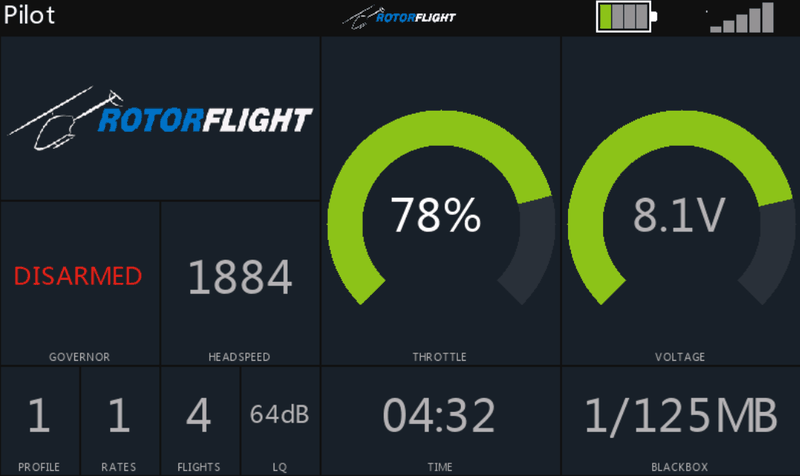
A grid of tiles: governor state, BEC voltage, link, headspeed, profiles, ESC temperature, current and timer above a full-width flight battery bar.
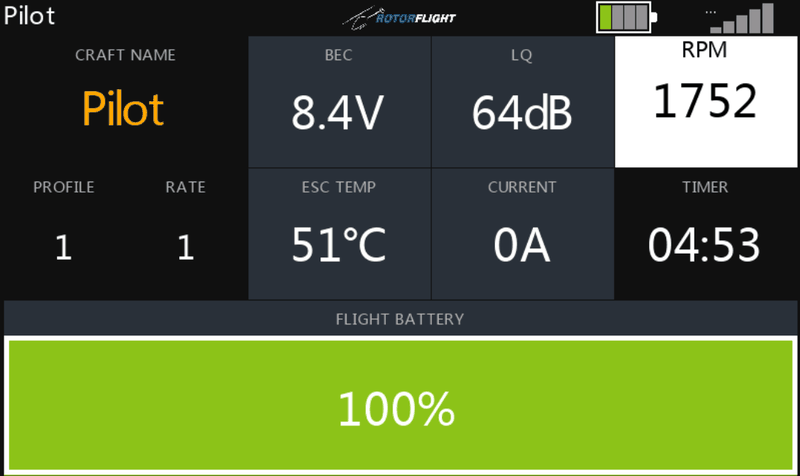
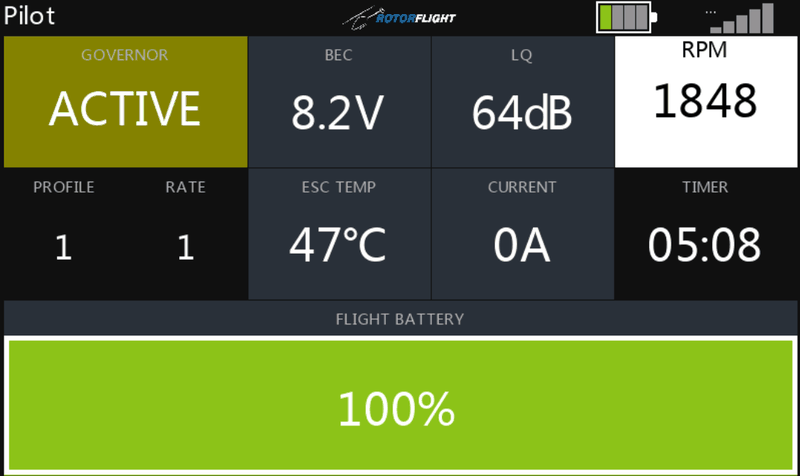
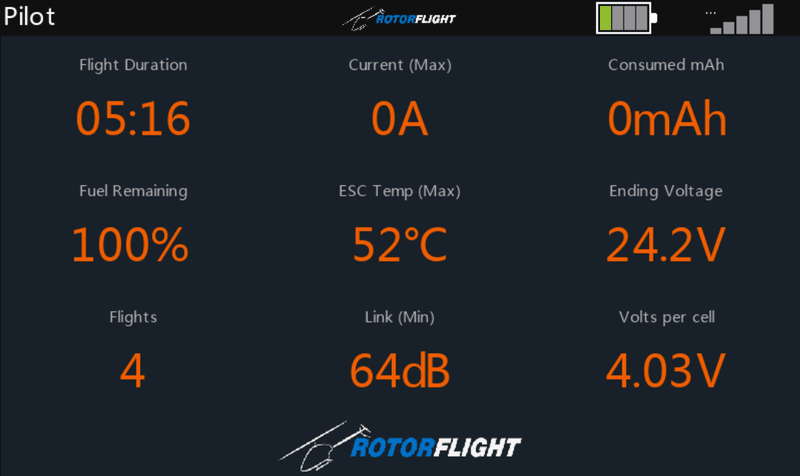
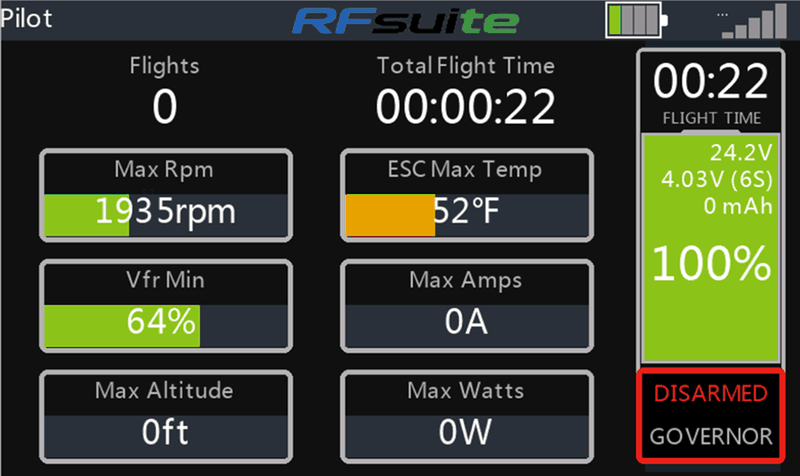
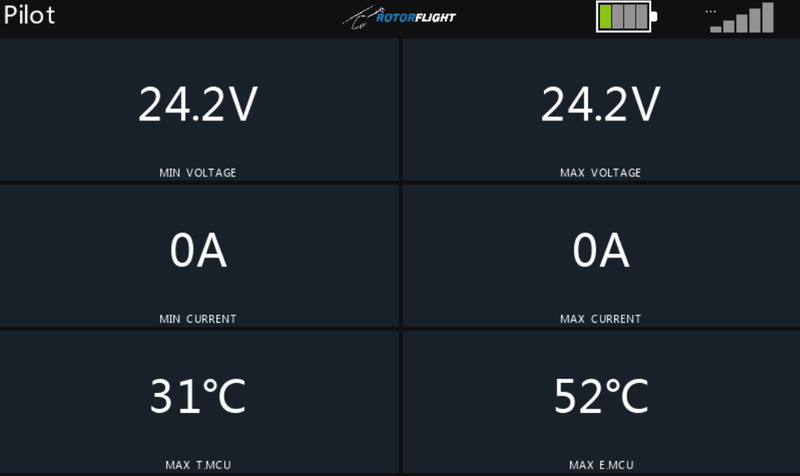
The screenshots come from the Ethos simulator, so the values are examples. Some postflight screens use sample flight figures.